Same book
Your shop’s book, not a copy.
It loads your main device’s cloud backup, then keeps up with live changes from your other devices.
The same BIP book of bills, stock and khata, open in a browser on your laptop or desktop. Sign in with your shop’s Google account and your PIN.
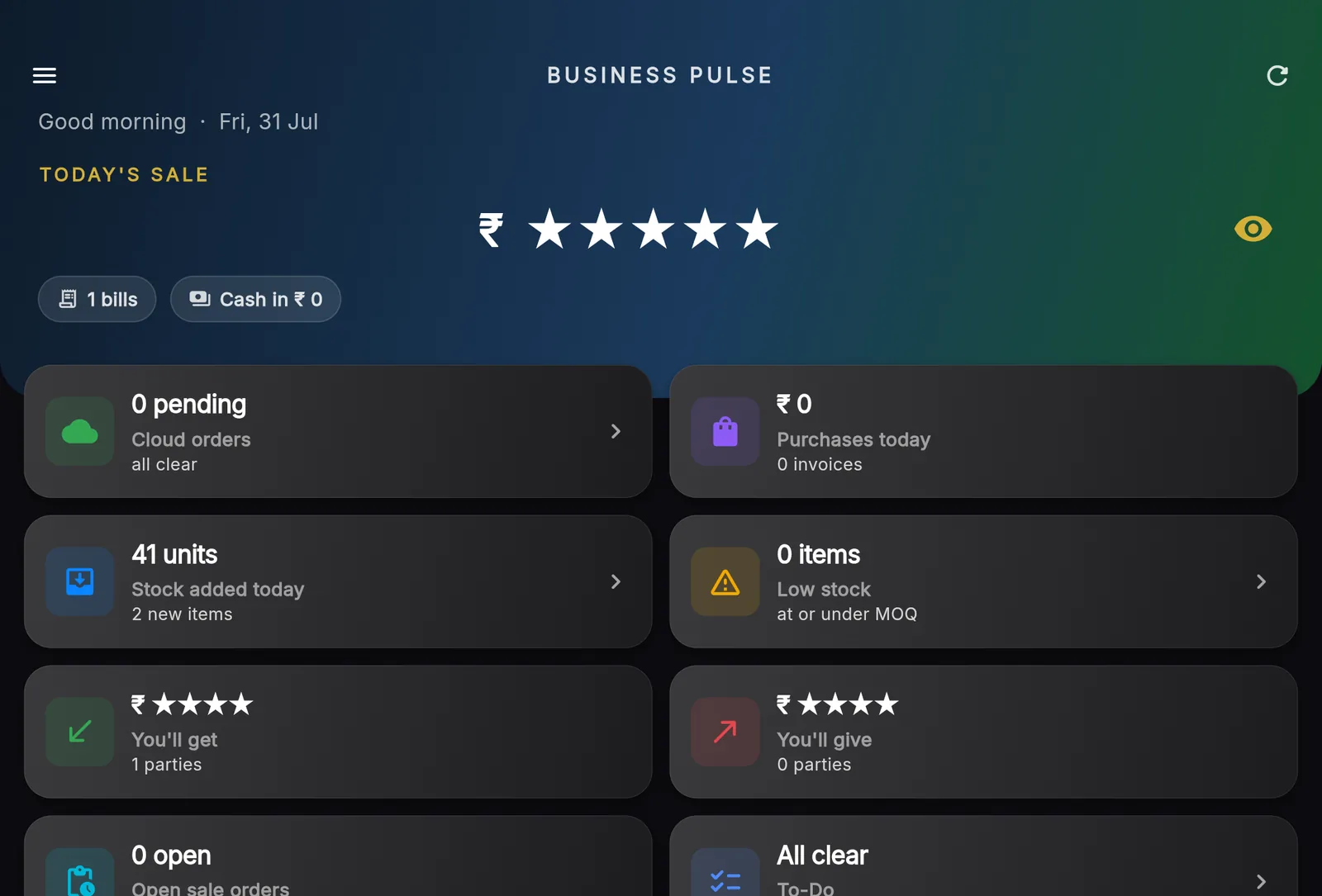
For owners and back-office staff who want a big screen and a real keyboard.
Same book
It loads your main device’s cloud backup, then keeps up with live changes from your other devices.
Big-screen layout
The side menu stays put, and the catalogue grid widens up to eight columns.
Keyboard billing
Works with a number pad. Double-click a cart line to change it.
Printing
Bills print through the browser, including a receipt-width PDF.
Install it
Install it from the browser and it opens like an app.
Reports and ledgers
Business Pulse, billing, stock, bill history, reports and party ledgers, with sharing to WhatsApp.
Checking reports
The usual waySquinting at a phone.
With BIP on the webThe same book on a laptop screen.
Back-office work
The usual wayA spare phone, signed in.
With BIP on the webAny browser, with Google sign-in and your PIN.
Long entries
The usual wayTapping on a phone keyboard.
With BIP on the webA full keyboard and number pad.